

Your team
Employees tab (/managers/0) shows all direct reports with name, manager, development progress, and last activity.
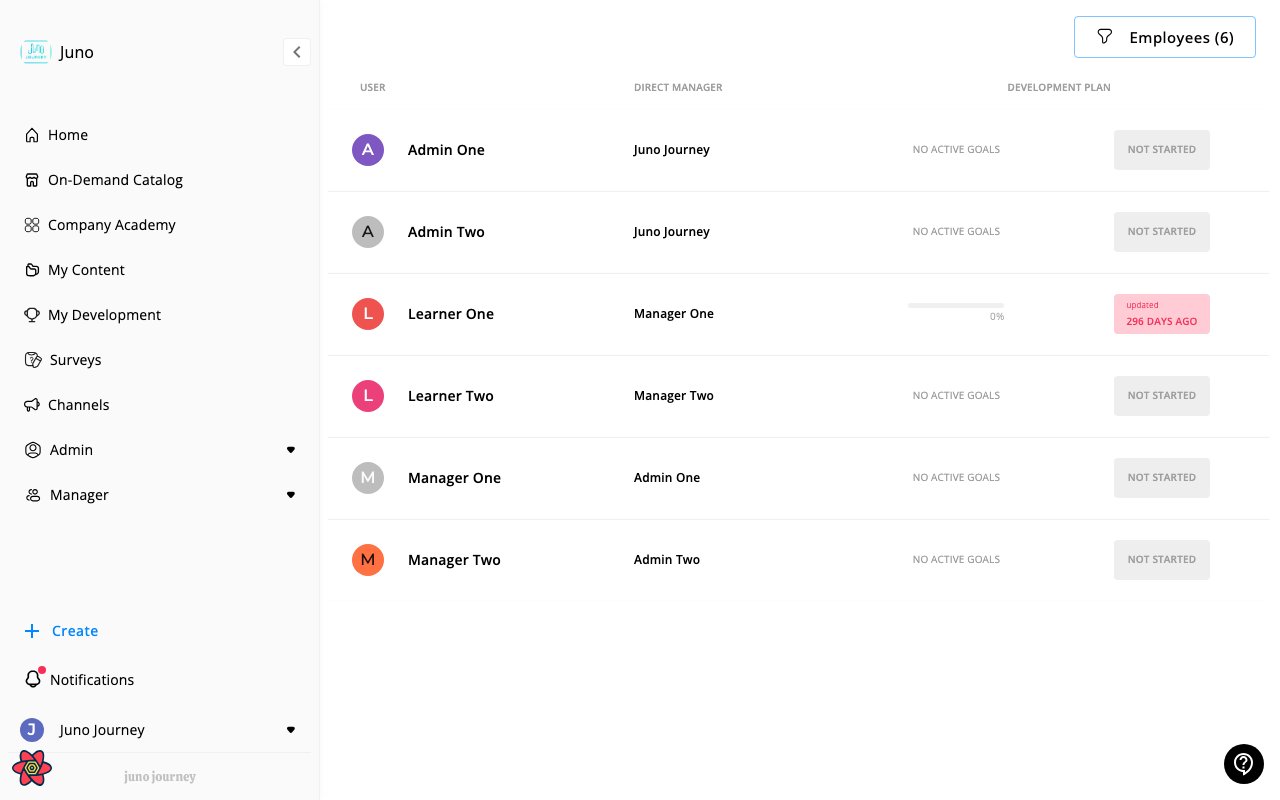
Viewing a team member
Click any team member to see:
| Tab | What you see |
|---|
| Goals | Active and completed goals with action item progress |
| Skills | Current and target skill levels |
| Competencies | Self and manager evaluations |
| User Info | Profile, role, department |
Creating goals for team members
- Navigate to team member’s profile
- Click Create Goal
- Complete the goal creation flow
- Team member receives a notification
Team goals table
My Development → My Team (/develop/my-team) shows a sortable, filterable table:
| Column | Content |
|---|
| Name | Team member |
| Direct Manager | Reporting line |
| Active Goals Progress | Progress bar |
| Actions | View profile link |
Manager capabilities
| Action | Manager | Admin |
|---|
| View team goals | Yes | Yes (all users) |
| Create goals for team | Yes | Yes |
| Assign learning | Yes | Yes |
| Approve budget requests | Yes | Yes |
| Manage all users | No | Yes |
| Configure platform | No | Yes |
Last modified on April 15, 2026