

Admin panel
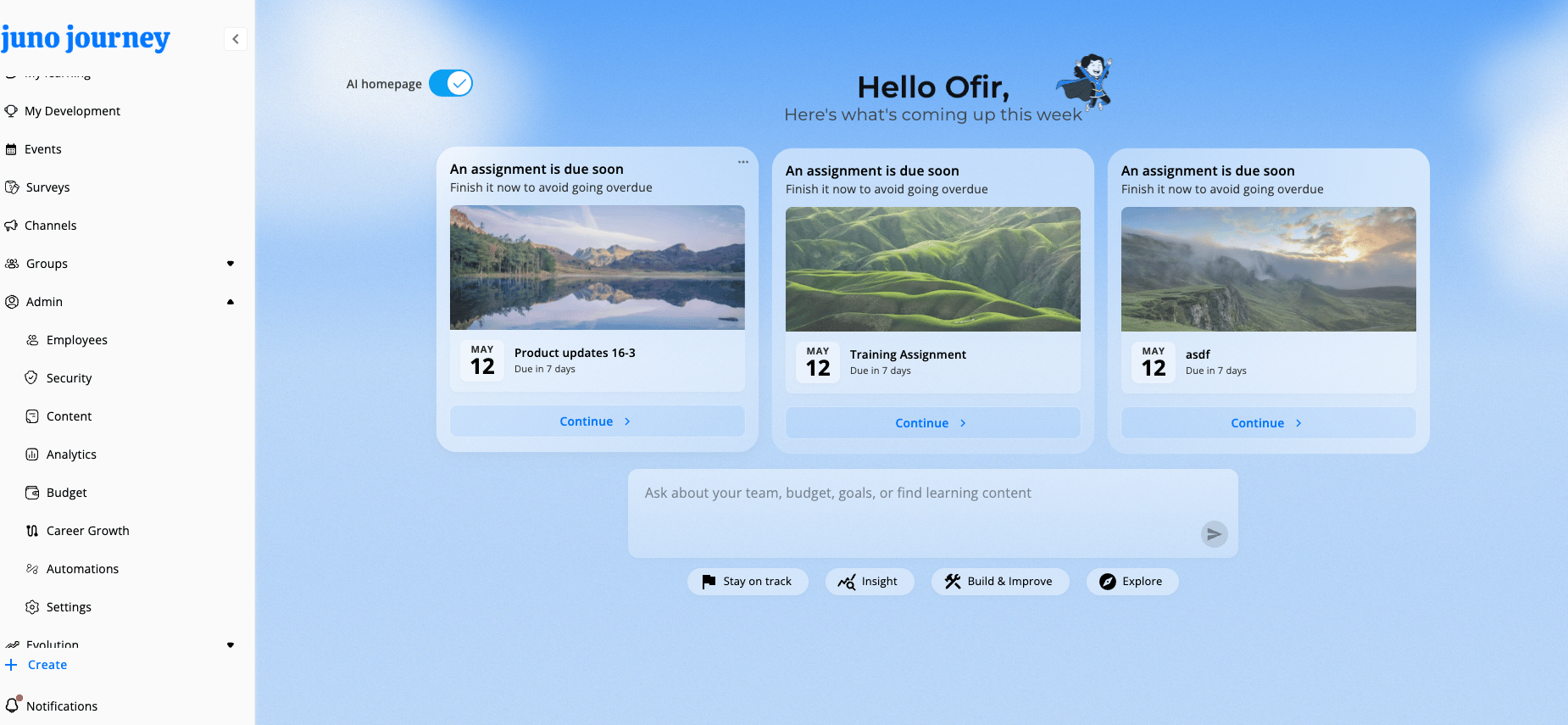
The Admin section appears in your sidebar when you have an Admin role (or a domain-admin role). It’s the control center for managing your entire Juno instance.What you see in the Admin dropdown depends on your role, the modules enabled for your org, and your organization’s settings. If something below isn’t visible, ask your admin or CSM to enable it.
Panel tabs
Standalone admin areas
These sections have their own dedicated pages, accessible from the sidebar:Sidebar navigation
The Admin dropdown only renders for users with an Admin role, or an area-admin role in People, Content, Budget, Events, Development, Platform, or Automations, on non-mobile screens. Items appear in this order:
Each item opens the corresponding tab or standalone page.