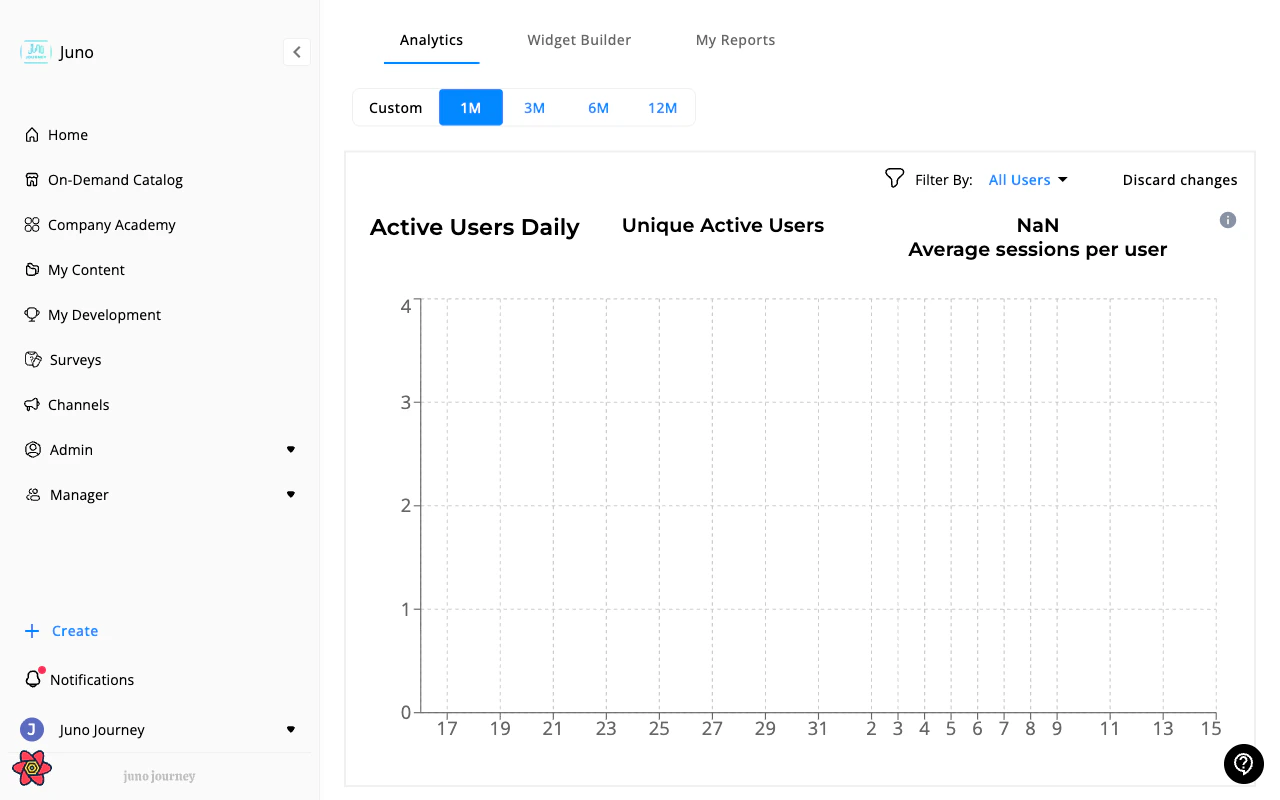
Admin → Analytics provides organization-wide insights into learning activity, engagement, and performance. Managers also have access to this tab for their team scope.
Build custom analytics widgets and show them on the Analytics tab. Each widget visualizes one analytics event with chosen breakdowns and filters. See Widget Builder for the full steps.
Widget Builder may not be enabled for your organization. Contact your Juno team to turn it on.
Parameter
What it does
Event
The activity to measure, such as content engagement, content enrollment, or budget requests
Aggregation
How to count it, for example a total or unique users
Value type
Absolute numbers or percentages
Chart type
Bar or pie
Breakdown
Split the result by a field such as department, content type, or request status
Dashboards is the newer way to build organization-wide analytics. You compose a dashboard from widgets, including Right now widgets such as Overdue right now and Never opened, start from recommended dashboards such as Compliance watch, and publish it for other admins. See Insight Dashboards.
Shows where learning investment goes by knowledge, skill, and tool across external courses, internal learning, and development plan goals. See Skills Analytics for how it works and what it measures.
Create, download, and schedule custom analytics reports. See Analytics Reports for full details on report creation, scheduling, and delivery management.
Every course, quiz, SCORM package, Journey, and survey has a dedicated analytics view with learner tables, status breakdowns, and bulk actions. See Training Analytics and Training Analytics Actions.
The Learning Management table at Admin → Content → Learning Management shows every learner’s interaction with every unit in one filterable, exportable table. See Learning Management.Managers see a direct-reports-scoped version of this table at Managers → Content → Learning Management — see Learning Activities (Managers).
Managers see the Analytics tab under Managers but scoped to their team. Admins see organization-wide data. Insight Dashboards for the whole organization are for admins only.
Last modified on October 6, 2026
Was this page helpful?
Assistant
Responses are generated using AI and may contain mistakes.