

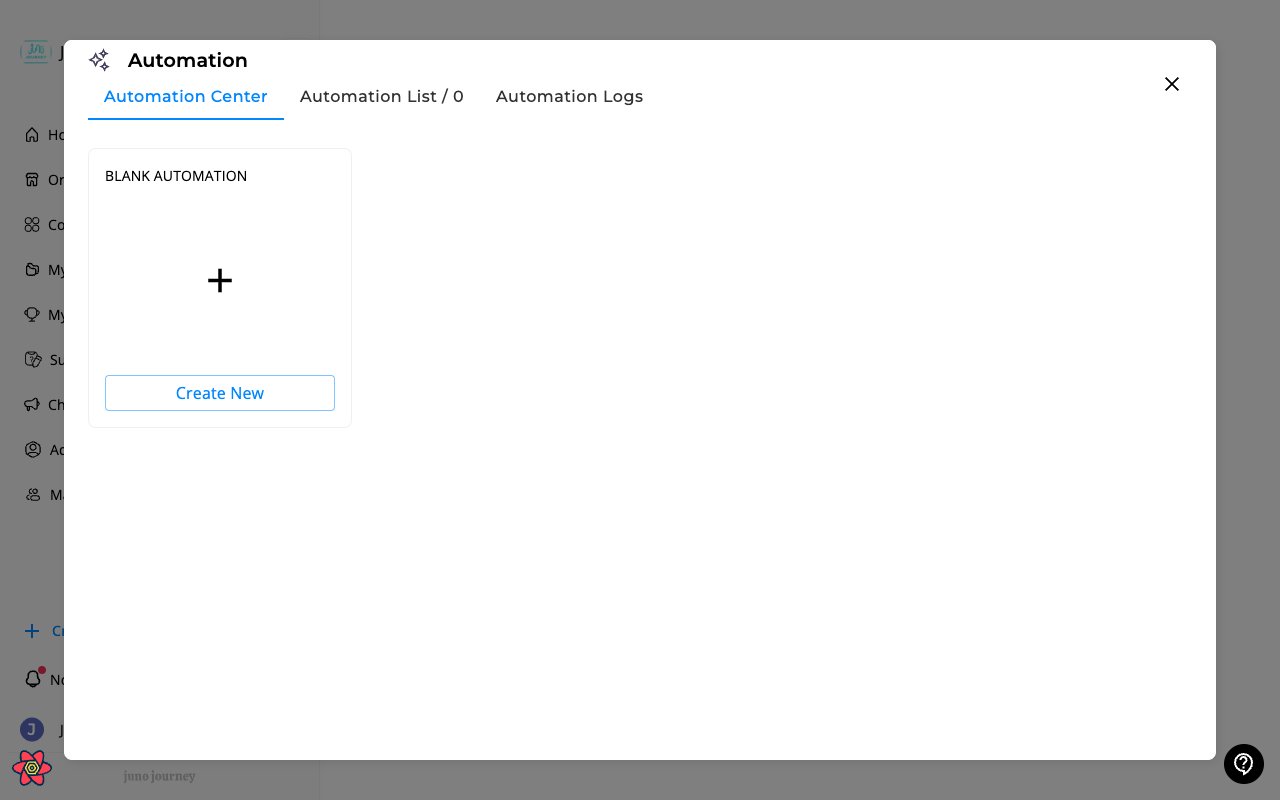
What are automations?
Automations are rule-based workflows that execute actions automatically when conditions are met. They help reduce manual work for common administrative tasks. Access at Admin → Automations (/admin/company-automations).
How automations work — Who / When / Action
Every automation is built from three parts:
Each automation can also have an optional time delay between the trigger and the action (e.g. “nudge 7 days after assignment”).
Action types
Supported content types
Automations can be attached to:- Journeys
- Courses
- Surveys
- Events
Due-date reminders, nudges, and notifications on a unit aren’t sent to the unit’s creator or co-editors, even if they’re also assigned to it. Reminders sent before an event or session don’t follow this rule.
Personalization in messages
Use@ mentions to insert dynamic values into nudge and notify messages:
You can use
@LearnersManagerName and @LearnersHireDate on any automation action. The Assign to unit, Assign to survey, and Assign session recording actions only resolve @Recipient and @TrainingTitle.If Juno set up your organization to train customers instead of employees, automations don’t offer position or hire date rules, manager or buddy recipients, manager notification templates, or the
@LearnersManagerName and @LearnersHireDate variables. See Managing Users.Managing automations
- Create — define WHO, WHEN, and one or more ACTIONS
- Enable / disable — toggle automations on or off
- Edit — modify WHO, WHEN, ACTIONS, or message content
- View history — see past automation executions and dry-run counters before going live