

How the page works
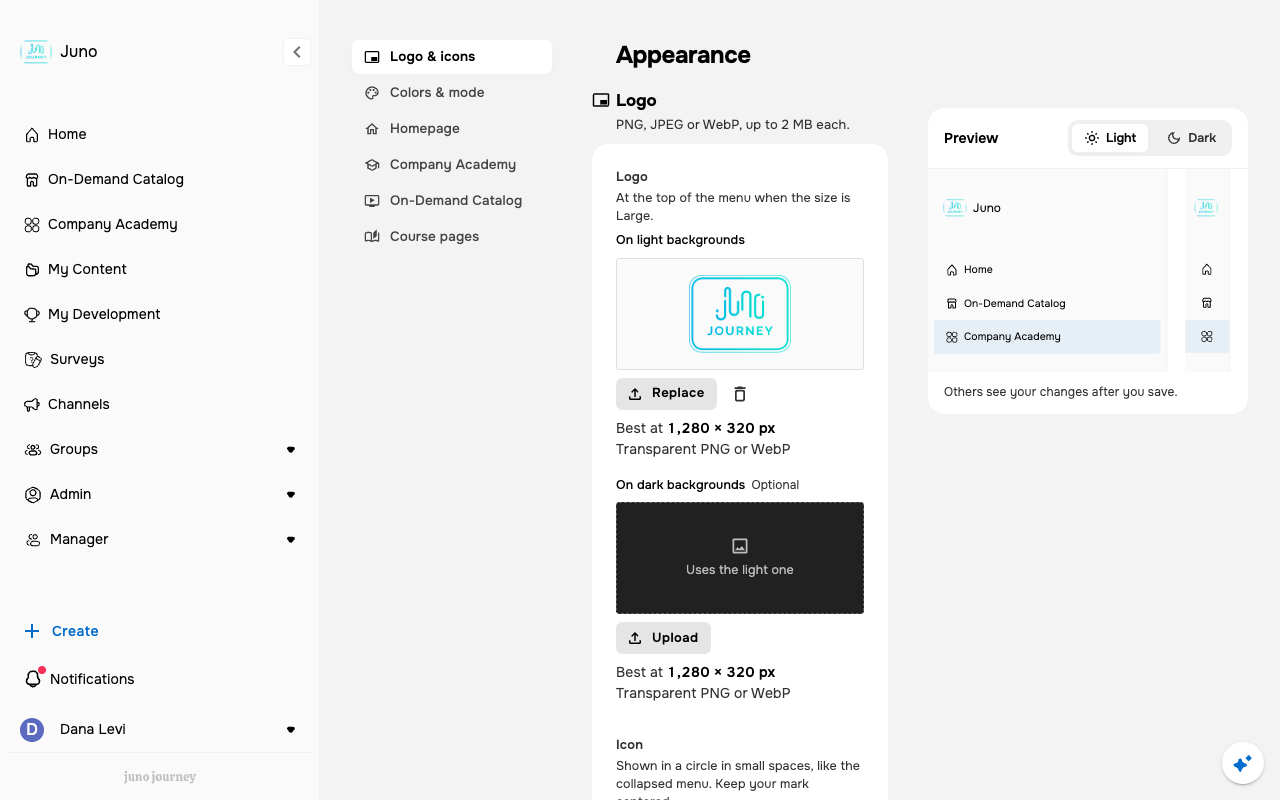
- The left index lists the groups: Logo & icons, Colors & mode, Homepage, your academy and catalog (named as in your sidebar, shown only when your organization has that module), and Course pages.
- You can move between groups without losing edits. Groups you changed are marked, and one Save / Discard bar covers them all. Leaving the page with unsaved changes asks you to confirm.
- Each preview follows your draft. Switch the preview between light and dark to check both.
What you can set
A new browser tab icon reaches signed-out pages, such as the sign-in page, within about 20 minutes. Signed-in pages update when you save.