

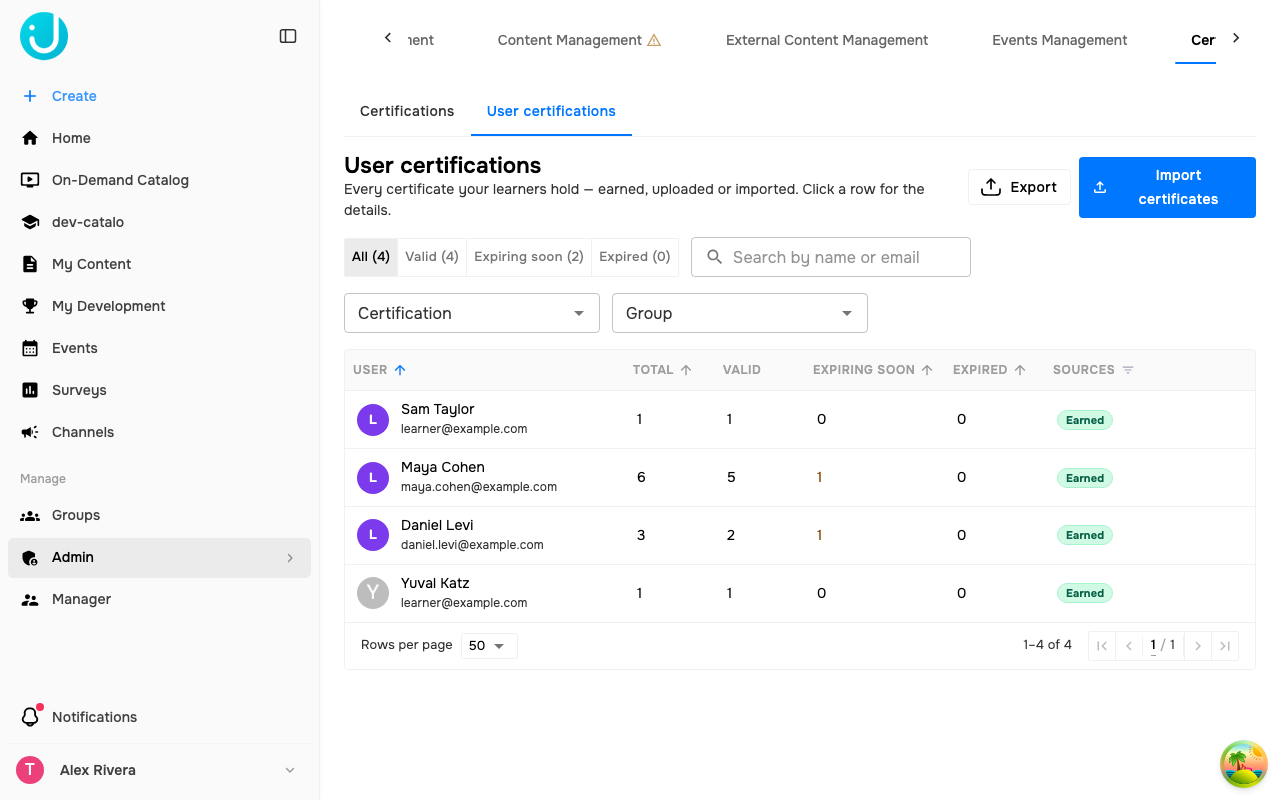
Filters
Clear filters resets everything.
Columns
Sources
A certificate that was also issued on Accredible carries a verified icon. Hover it for Also issued to Accredible, or View on Accredible when a link exists.
Learner details
Select a row to open the learner’s certificates. Each entry shows the title, its source and validity chips, and the Issue date, Expiration date, Authority, and Certification number, plus a link and the uploaded file when they exist.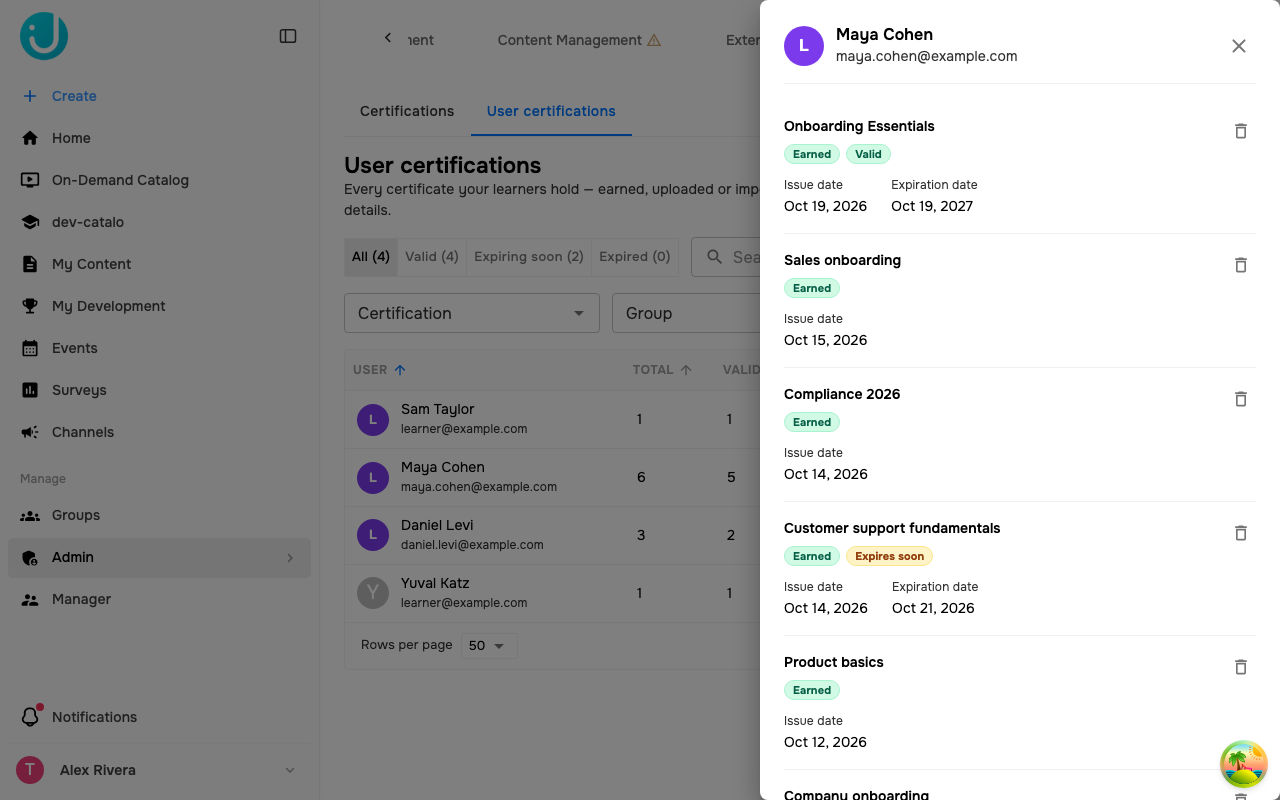
Delete a certificate
Select Delete certificate on an entry and confirm. The certificate is removed from the learner and this can’t be undone. If a certification rule awarded it, the learner can earn it again. A credential already issued on Accredible is not revoked.Import and export
- Import certificates opens the spreadsheet upload, for credentials issued outside Juno. This may not be enabled for your organization.
- Export downloads one row per certificate with Name, Email, Certification, Source, Status, Issue date, Expiration date, Authority, Certification number, and whether it was also issued to Accredible. The export covers the first 10,000 learners of the current view; narrow the filters for a complete file.