What are surveys?
Surveys in Juno are general-purpose questionnaires used to gather feedback from employees. They’re separate from feedback cycles (performance reviews) — surveys are for things like employee engagement, course feedback, event satisfaction, or any other topic.
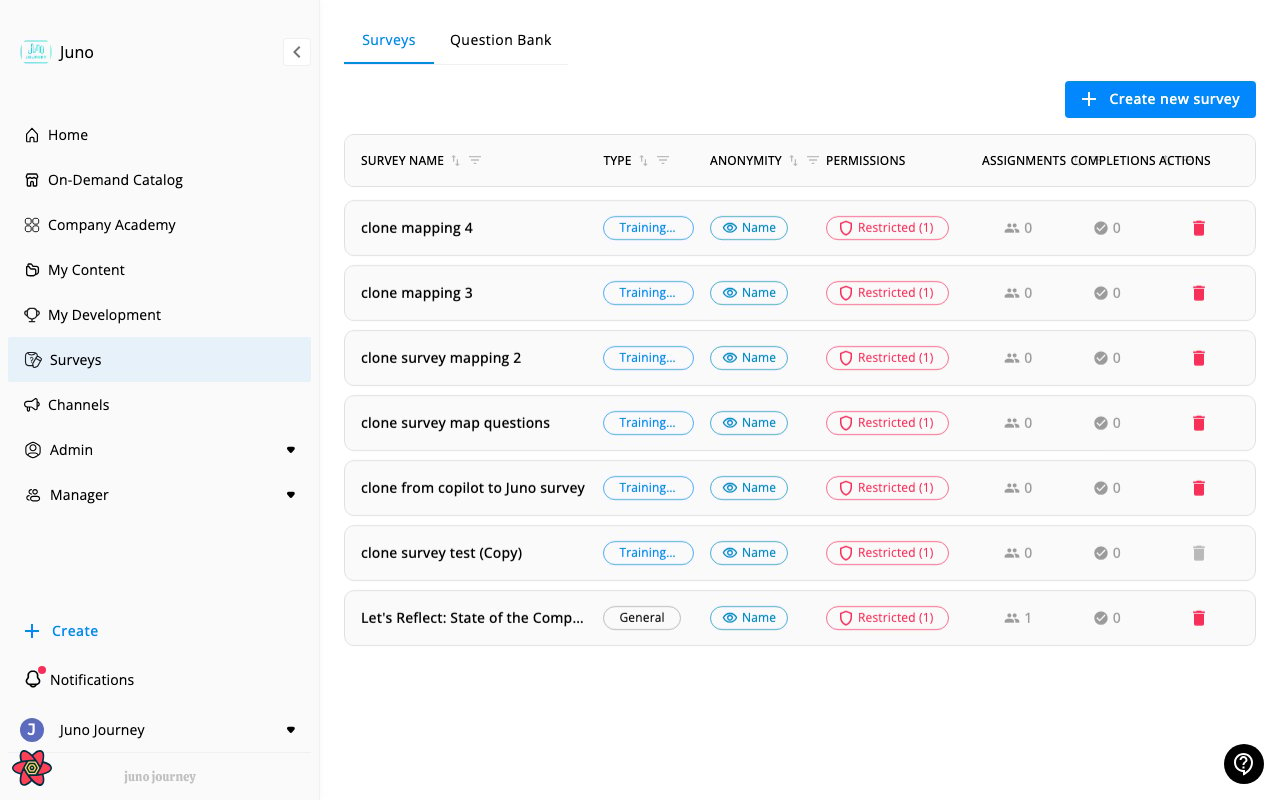
Taking a survey
When you’re assigned a survey:
- You’ll receive a notification
- Navigate to Surveys in the sidebar or click the notification link
- Answer the questions — these may include multiple choice, true/false, rating scales, or open text
- Submit your responses
Question types
Surveys can include:
| Type | What it is |
|---|
| Multiple choice | Select one or more options from a list |
| True / False | Binary yes/no answer |
| Rating | Numeric scale (e.g. 1–5) |
| Open text | Free-form written response |
Anonymous surveys
Some surveys may be configured as anonymous — your individual responses won’t be linked to your identity in the results. The survey will indicate if it’s anonymous before you start.
Surveys vs. feedback cycles
| Surveys | Feedback Cycles |
|---|
| Purpose | General feedback on any topic | Performance reviews on competencies |
| Structure | Standalone questionnaire | Structured cycle with timeline and scope |
| Rating | Optional | Required (competency-based scale) |
| Reviewer types | N/A — everyone answers the same questions | Self, peer, manager |
| Anonymous | Can be anonymous | Grouped by reviewer type |
| Created by | Admins and managers | Admins |
I can’t find a survey
If you were told about a survey but can’t see it:
- Check Surveys in the sidebar — it may be listed there
- Check your notifications for a direct link
- The survey module must be active for your organization
- Ask your admin if the survey has been published and assigned to you
Last modified on April 15, 2026

