

What are channels?
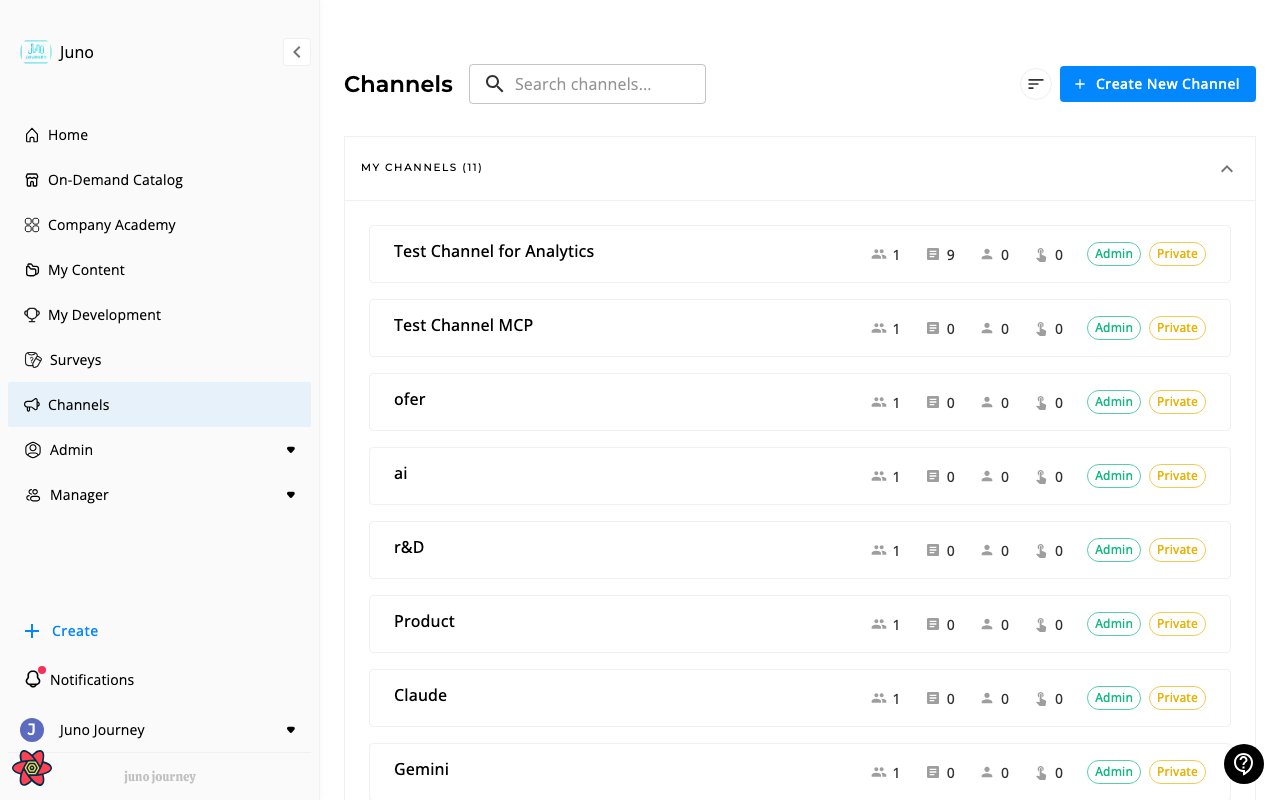
Channels are curated content collections organized around a theme, team, or initiative. They group courses, articles, and documents so people can find them in one place. Access them at Channels (/channels).
Inside a channel
- Overview — a welcome page with a custom description, goals, or quick links for the channel
- Content — courses and units organized by topics
- Topics — hierarchical categories within the channel
- Members — who has access
Channel overview
The Overview is a customizable landing page that members see when they open a channel. Use it to explain the channel’s purpose, highlight featured content, link to important resources, or set expectations for new members. When to use it:- Onboarding new members to a team or topic-specific channel
- Pinning ground rules, goals, or schedules at the top of a channel
- Linking to a kickoff video, syllabus, or external resource
- Open the channel and select the ⋯ menu, then Settings
- Under Advanced Settings, turn on Show channel overview
- Select Done
- On the channel page, select the pencil icon (Edit) on the overview, write your text or add links, then select the check mark (Done)
Topics
Channel admins organize content into topics. Select Add in the channel header, then Add Topic. Topics need the channel’s Topics layout setting to be anything other than Hidden. In Create New Topic you set a name, a description, a parent topic if it is a subtopic, and an icon. To change a topic later, open its menu and select Edit Topic.Topic layout
Layout (Optional) at the bottom of the topic dialog lets one topic look and sort differently from the rest of the channel. Each setting starts on Same as channel, which means the topic follows the channel.
For example, set a “Start here” topic to Custom order and Large cards, while the rest of the channel stays on Newest first.
The Layout (Optional) section only appears for people who can edit the channel’s layout. This follows the same permission as creating a channel.
Sort and custom order
Above the content, the sort menu offers Custom order, Newest first, Oldest first, Date Updated, and A - Z. A member’s own pick applies while they stay on the page. Until they pick, a topic uses its own default sort, then the channel’s, then Custom order. With Custom order selected, channel admins can drag content to reorder it. Inside a topic, you reorder only that topic’s content, so other topics and the content outside topics keep their order. Drag an item onto a topic folder to move it into that topic. On a grid card, channel admins also see a ⋮ menu with Change topic and Remove from channel. The person who created the learning can remove it from the channel too.Layout settings
Channel admins choose how the channel looks. Open the channel, select ⋯ > Settings, and scroll to Layout.
With Sections (horizontal rails), content that is not in a topic shows first under Highlights. Each topic then gets its own row of cards, and content from its subtopics rolls up into it.
Designed channel pages
Your organization can replace a channel’s standard page with a designed one, built in a conversation with your AI assistant once it is connected to Juno. See the Juno MCP server. A designed page controls the header and how topics appear, so Header style, Topics, and Topic folder size are hidden in Layout. The other settings still apply to the content cards on the page. On a designed page, the content cards can take on the page’s look: its colors, corner radius, borders, and font. They then match the rest of the page instead of the standard card style. Status details such as progress and selected states keep their standard look. Admins publish, preview, and roll back designed channel pages in Pages.Channel types
Creating a channel
- Go to Channels → Create Channel
- Set name, description, and icon
- Configure privacy (public/private)
- Add members — manually or by group
- Start adding content
Roles
Member management
You can grow a channel’s audience after it’s created from the Members tab.- Manual invite — add users individually by name or email
- Invite a group — pick one or more groups and every current and future member gains access
- Auto-assign to all — turn on this toggle in the channel settings to auto-assign content to all channel members
Invite a group to a channel
Use this when you want a whole team, department, or cohort to follow a channel without picking users one by one. Anyone you add to the group later automatically gains channel access.- Open the channel and go to Members → Invite
- Select the Groups tab in the invite dialog
- Search for and select the groups you want to add
- Select the role to assign (Member or Admin)
- Select Invite to send the invitations
Notifications and analytics
- Push notifications — channel members get a push notification when content is added from the channel page.
- Channel Overview stats — platform admins and channel admins see Active Members and Total Content Engagement, plus a 30-day version of each, at the top of the channel. This is on by default.