

What are surveys?
Surveys in Juno are general-purpose questionnaires used to gather feedback from employees. They’re for things like employee engagement, course feedback, event satisfaction, or any other topic.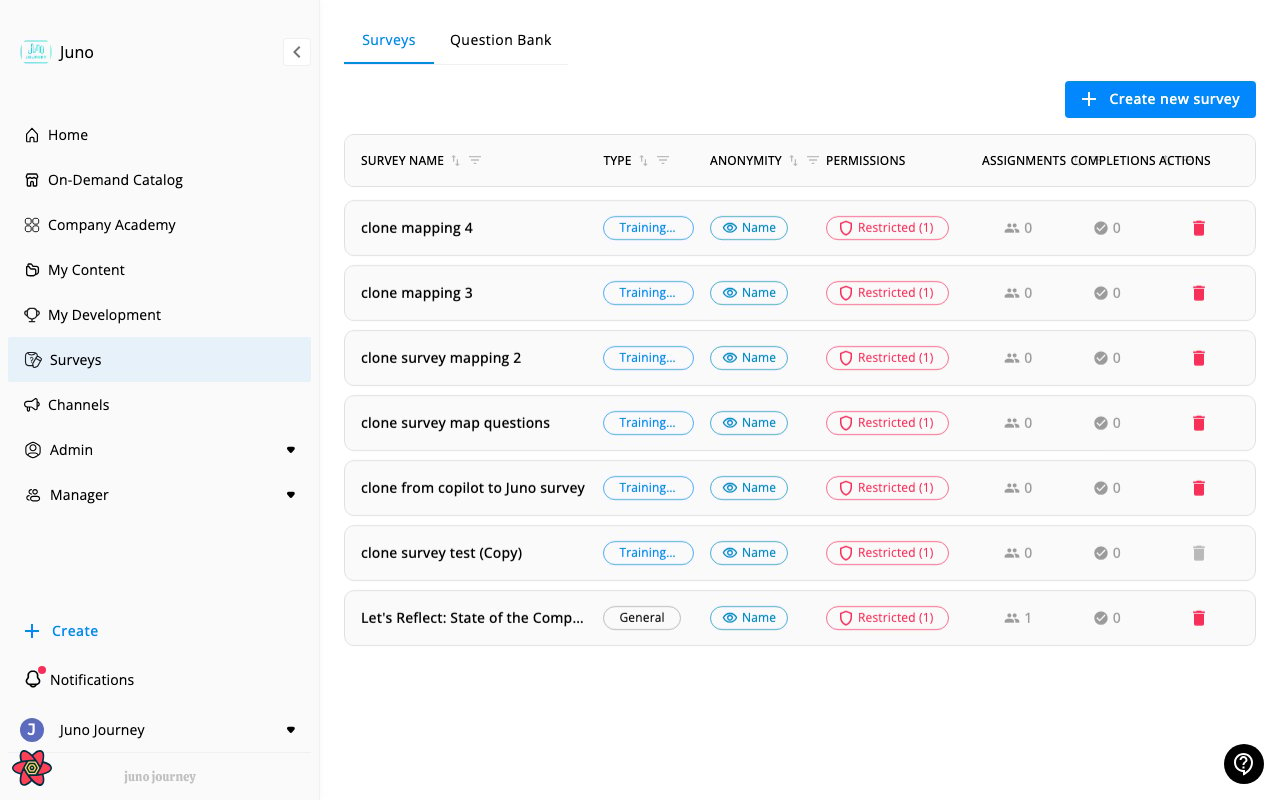
Types of surveys
The survey you’re asked to fill in is one of three types. The type affects what the questions are about, not how you answer.
Not every organization uses all three.
Taking a survey
When you’re assigned a survey:- You’ll receive a notification
- Navigate to Surveys in the sidebar or click the notification link
- Answer the questions — these may include multiple choice, multi-select, true/false, rating scales, or open text
- Submit your responses
Question types
Surveys can include:Anonymous surveys
Some surveys are anonymous: your individual responses won’t be linked to your identity in the results. Before you start, the survey intro tells you which kind it is:- Anonymous — your identity will not be linked to your responses.
- Confidential, not anonymous — your responses will be linked to your identity.
I can’t find a survey
If you were told about a survey but can’t see it:- Check Surveys in the sidebar — it may be listed there
- Check your notifications for a direct link
- The survey module must be active for your organization
- Ask your admin if the survey has been published and assigned to you