

Overview
edX offers online courses (MOOCs) from leading universities and institutions around the world. You can take free edX courses directly, or request paid ones with your budget.How to request
You have two options:-
On-Demand Catalog: search the catalog and filter by edX to see the available courses. Free courses open directly. For paid courses, click Request.
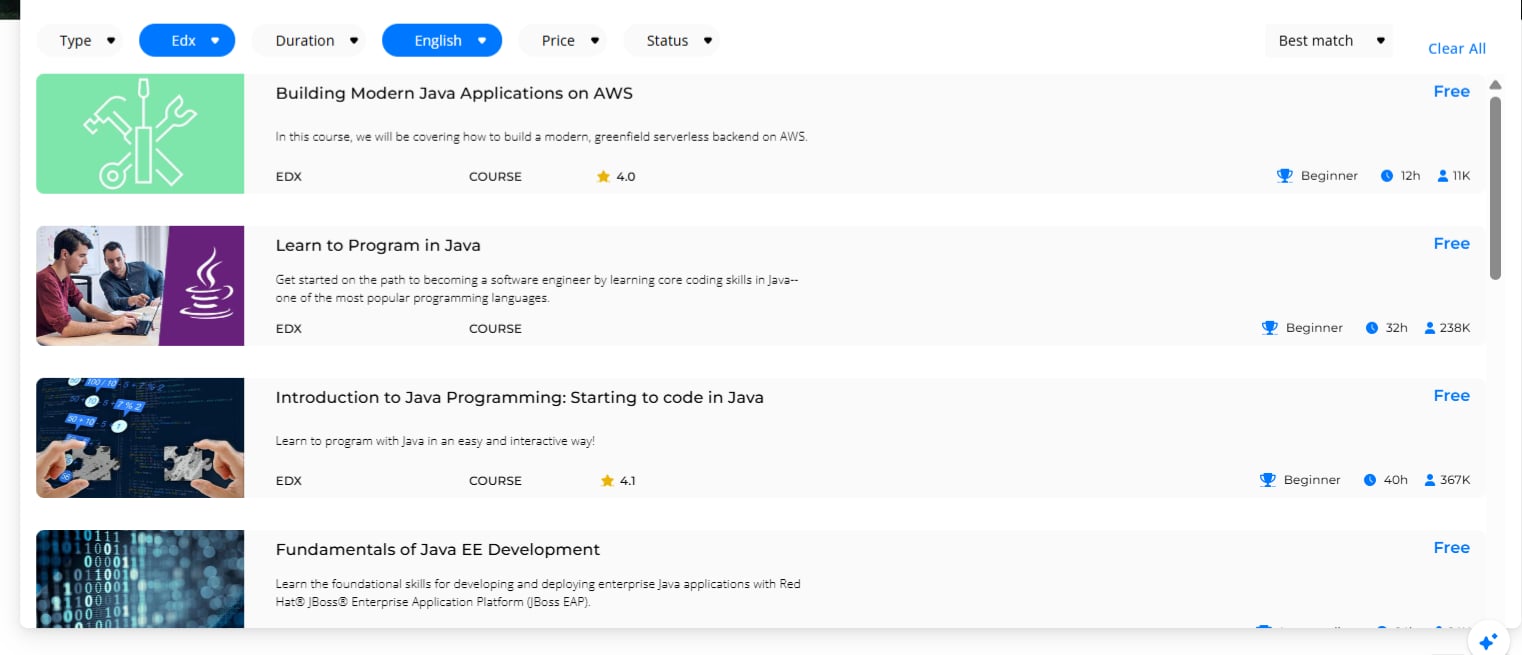
- Custom request: if the course isn’t in the catalog, submit a custom request with the edX course URL.
After approval
Once your request is approved, it’s fulfilled through the flow your organization uses for edX, typically a provider voucher code:1
Open the request
Open the request dialog from your home page card or from My Wallet, and copy the code.
2
Go to edX
Click Redeem on edX, then log in or create an edX account.
3
Redeem the code
Enter the code at checkout. Then return to the request dialog and click Mark as used.